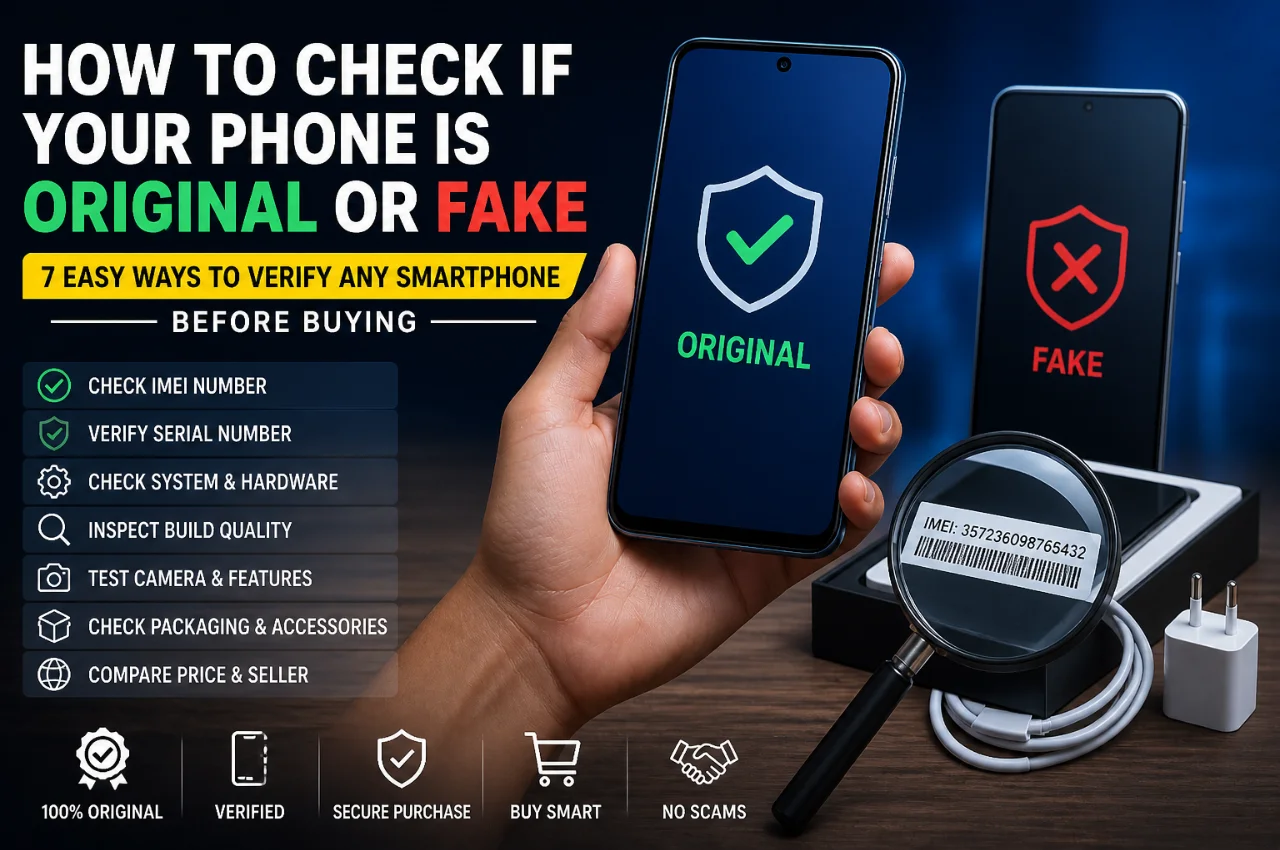
You found a great deal on a smartphone — the price seems slightly lower than usual, the seller seems confident, and the phone looks exactly like the real thing. But something feels off. Is it genuine? Or is it a clever fake designed to fool you?
Fake smartphones — also called clone phones or counterfeit devices — are a massive problem in India and across the world. They look like premium phones on the outside but run cheap hardware inside. They can come pre-loaded with malware, have terrible cameras despite claiming 50MP, drain battery in hours, and worst of all — they put your personal data at serious risk.
The good news is that a genuine phone and a fake phone are very different on the inside — and if you know what to check, spotting a fake is not difficult at all. This guide gives you 7 clear, practical methods to verify any smartphone before you buy it.
Why Fake Phones Are So Dangerous
Before we get into the methods, it’s important to understand exactly why buying a fake phone is such a big problem — beyond just wasting money.
Fake phones often come with malware pre-installed at the factory level, meaning your passwords, banking apps, OTPs, and personal photos can be silently stolen from the moment you turn the phone on. Because the hardware is cheap, these phones overheat quickly, which can in extreme cases cause battery damage. Performance is terrible — apps crash, games lag, and the camera produces blurry photos despite claiming impressive specs on the box. And since fake phones are not registered products, they come with no genuine warranty, no software updates, and no manufacturer support of any kind.
Now let’s make sure you never end up with one.
Method 1 — Check the IMEI Number (The Most Reliable Method)
Every genuine smartphone in the world has a unique IMEI number — short for International Mobile Equipment Identity. Think of it as the phone’s fingerprint. No two genuine phones share the same IMEI, and every IMEI is registered in a global database tied to a specific brand, model, and country of manufacture.
Fake phones either have no valid IMEI, use a fake IMEI, or share the same IMEI across hundreds of clone devices.
Here is exactly how to check it:
Step 1 — Dial *#06# on the phone. A box will immediately pop up displaying the IMEI number. It should be a 15-digit number.
Step 2 — Cross-check this number with the IMEI printed on the phone’s box and on the sticker inside the SIM tray. All three should match exactly. If they don’t match — it’s a fake.
Step 3 — Go to the website imei.info and enter the 15-digit IMEI number. This free tool will tell you the exact brand, model, and country of manufacture registered to that IMEI. If the result shows a different model than the phone in your hand, or if it shows “invalid IMEI,” do not buy that phone.
For Samsung phones specifically, you can also verify the IMEI directly on Samsung’s official website at samsung.com/in/support/warranty. For iPhones, go to checkcoverage.apple.com and enter the serial number or IMEI. If Apple’s website says “Device Not Found” or shows a different model — it’s fake.
Important: In India, you can also verify IMEI registration with the Department of Telecommunications. Unregistered phones are legally not allowed to operate on Indian networks — another red flag if the IMEI doesn’t check out.
Method 2 — Physical Build Quality Check
Genuine flagship and mid-range smartphones are manufactured with precise engineering. Every button, port, seam, and surface is exactly where it should be. Fake phones, no matter how convincing they look in photos, almost always have physical tells that give them away when you hold them in your hands.
Here is what to check carefully:
Weight and feel — Genuine phones feel solid and have a certain heft to them. Fake phones often feel surprisingly light or “hollow” because they use cheap plastic internals instead of metal and glass. If a phone claiming to be a Samsung Galaxy S series or iPhone feels unnervingly light, be suspicious.
Logo quality — Run your finger over the brand logo on the back of the phone. On genuine phones, the logo is perfectly flush with the surface — you cannot feel any edge or bump. On fake phones, the logo is often printed or stuck on, and you can feel a slight raised edge where it meets the body.
Button and port alignment — Check every button — volume, power, and any side keys. On genuine phones, buttons are perfectly flush, click crisply, and wobble slightly. On fakes, buttons are often misaligned, feel mushy, or are slightly crooked. Check the charging port, headphone jack if present, and speaker grilles — uneven cutouts or misaligned ports are strong signs of a counterfeit.
Screen quality — Turn the brightness to maximum and look at the screen outdoors or under bright light. Genuine phones in the mid-range and above use AMOLED or high-quality IPS panels that stay bright and vivid in sunlight. Fake phones almost always use cheap LCD panels that look washed out and dim under sunlight, even if the spec sheet claims AMOLED.
Back cover material — Run your finger along the back. Glass backs have a distinct smooth, cool feel. Fake phones claiming a glass back often use plastic that has been coated to look like glass — but it warms up quickly to body temperature and feels slightly different to the touch.
Method 3 — Verify the Software and UI
The operating system is one of the hardest things to fake convincingly, and it’s where most clone phones expose themselves immediately.
Go to Settings and then About Phone. On any genuine Android phone, you will see the exact model number, Android version, security patch level, and build number. Cross-check the model number shown here with the official model number for that phone on the manufacturer’s website. If it doesn’t match — it’s fake.
On a phone claiming to be an iPhone, go to Settings, then General, then About. Check the model number and serial number. Then go to checkcoverage.apple.com and verify both. No genuine iPhone runs Android — ever. If you open “App Store” on a supposed iPhone and it redirects you to a version of the Google Play Store, you are holding a 100% fake Android device disguised as an iPhone.
Check for pre-installed apps — Fake phones often come with suspicious apps pre-installed that cannot be deleted. Look for apps with Chinese names, misspelled app names, or apps that have no legitimate reason to be there. These are often data-harvesting or adware applications.
Check the Android version — Genuine phones in 2026 run Android 14 or Android 15. If a phone claiming to be a current flagship is running Android 10 or earlier, something is very wrong.
Method 4 — Run a Benchmark or Hardware Test App

This is one of the most definitive ways to expose a fake phone. Clone phones claim powerful processors on the box — but the actual hardware inside is always far cheaper.
Download one of these free apps from the Google Play Store and run a test:
CPU-Z — This app reads your phone’s actual hardware directly. It shows the real processor name, number of cores, clock speed, RAM amount, screen resolution, and much more. Compare what CPU-Z reports with the official specifications for that phone model. If the phone claims Snapdragon 8 Gen 3 but CPU-Z shows a MediaTek Helio G85 — it’s a fake.
AIDA64 — Similar to CPU-Z but even more detailed. Shows battery specifications, sensor availability, camera details, and hardware IDs. Very useful for cross-checking every claimed spec.
Geekbench 6 — This app runs a performance benchmark and gives you a score. Compare the score with publicly available scores for the genuine model online. A phone claiming to be a flagship should score in the flagship range — if it scores like a budget phone, the hardware inside is budget-grade regardless of what the box says.
Method 5 — Test Every Feature and Sensor
A genuine phone has all the features it claims. A fake phone will often be missing key components entirely — they just aren’t physically present inside the device.
Test NFC — Go to Settings and search for NFC. If the phone claims NFC but the setting doesn’t exist or doesn’t work, the NFC chip is absent.
Test the fingerprint sensor — On phones with an in-display fingerprint sensor, a fake will often have a sensor that looks like it’s there but is actually just a dummy or uses a much lower-quality optical sensor. Register your fingerprint and test its accuracy and speed repeatedly.
Test the cameras — Open the camera and take photos in different conditions. Switch between all camera lenses — main, ultrawide, and telephoto if claimed. Fake phones with 3 or 4 cameras often have fake lens holes — the camera app switches between them but only one real sensor is doing all the work.
Test 5G — If the phone claims 5G, go to Settings, then Network, and check if 5G appears as a network option. If 5G is not listed and your SIM supports it, the 5G modem may simply not be present.
Test all ports and buttons — Plug in a charger. Insert headphones if there’s a jack. Test every button. Press every key. A genuine phone responds crisply to every input.
Method 6 — Check the Box, Accessories, and Documentation
The original packaging of a genuine smartphone is itself a high-quality product. Manufacturers invest in precise printing, quality materials, and specific packaging elements that are difficult and expensive to replicate accurately.
Check the print quality on the box — Genuine phone boxes have sharp, precise printing with correct fonts and spacing. Fake boxes often have slightly blurry text, incorrect font weights, missing holograms, or spelling errors. Look very carefully at every line of text.
Check the serial number sticker — Every genuine phone has a sticker on the box with the model number, serial number, IMEI, and other details. This sticker on a genuine box is printed clearly and has consistent formatting. On fake boxes, this sticker often looks different — different font, different spacing, or the numbers don’t match the phone itself.
Check the charger and cable — Genuine chargers feel solid and have clear manufacturer branding with accurate wattage markings. Fake chargers are often flimsy, have vague markings, and in some cases are genuinely dangerous due to poor build quality and no safety certifications.
Check documentation — Genuine phones come with a warranty card specific to the market and language. In India, a genuine Samsung or OnePlus comes with an Indian warranty card with a local helpline number. If the documentation is in a foreign language with no Indian warranty information, the phone may be a grey market import — which means no official Indian warranty, even if the phone itself is genuine.
Method 7 — Buy From Trusted Sources Only
This is the simplest and most reliable method of all — buy from sources where the risk of getting a fake is near zero.
Authorized brand stores — Samsung Experience Stores, Apple Premium Resellers, OnePlus Authorized Stores, and similar brand-official outlets. These sell only genuine products and provide full manufacturer warranty.
Authorized retail chains — Reliance Digital, Croma, Vi stores, and Airtel stores are authorized retailers for most major brands. The risk of a fake phone here is extremely low.
Official brand websites — Buying directly from samsung.com, apple.com/in, oneplus.in, or realme.com/in ensures you’re getting a genuine product with full Indian warranty.
Major e-commerce platforms — When buying on Flipkart or Amazon India, look specifically for listings marked “Sold by [brand name]” or sold by Flipkart/Amazon directly. Be cautious of third-party sellers offering prices significantly below the official price — genuine new phones are never drastically cheaper than the official retail price. If a deal seems too good to be true, it almost certainly is.
Avoid buying phones from social media ads, WhatsApp forwards, local Instagram shops without verified reviews, or from unknown sellers offering cash-only deals. These are the most common channels through which fake and stolen phones are sold.
Red Flags — Warning Signs to Never Ignore
Before we wrap up, here is a quick list of the most important warning signs that should immediately make you suspicious about any smartphone deal:
The price is significantly lower than the official retail price — not a small discount, but a suspiciously large one. Genuine phones don’t go 30–40% below market price at launch.
The seller refuses to let you check the IMEI or run apps on the phone before buying.
The box has any spelling mistakes, blurry printing, or the serial number doesn’t match the phone.
The phone feels unexpectedly light for its claimed specifications.
The About Phone section shows a different model number than what’s printed on the box.
The performance feels sluggish on a phone that’s supposed to be powerful.
The seller is pushing for a cash-only transaction and discourages you from checking anything carefully.
Any one of these warning signs should make you walk away from the deal.
Quick Reference Checklist — Before You Buy Any Phone
Save this checklist and use it every time you buy a second-hand, refurbished, or discounted phone:
Check the IMEI with *#06# and verify it on imei.info — the brand and model must match.
Compare the IMEI on the phone, SIM tray, and box — all three must be identical.
Verify on the official brand website using the IMEI or serial number.
Inspect build quality — weight, logo, button alignment, and port cutouts.
Go to Settings, then About Phone — verify the model number against the official specs page.
Download CPU-Z and check if the actual processor matches the claimed processor.
Test all cameras, NFC, fingerprint sensor, and 5G if claimed.
Check the box printing quality and documentation for Indian warranty information.
Frequently Asked Questions
What is the easiest single way to check if a phone is fake? The IMEI check is the single most reliable method. Dial *#06# to get the IMEI, then verify it on imei.info. If the result doesn’t match the phone’s brand and model, it’s fake. This takes less than two minutes and works for any phone anywhere in the world.
Can fake phones connect to Indian networks? Many fake and clone phones use invalid or duplicate IMEIs. As per the Department of Telecommunications regulations in India, phones with invalid IMEIs are supposed to be blocked on Indian networks. However, some fakes use stolen valid IMEIs, which is why the physical and software checks in this guide are also important.
Is a refurbished phone the same as a fake phone? No — a refurbished phone is a genuine used phone that has been repaired and restored. A fake phone is a counterfeit device built to look like a genuine model. However, refurbished phones can sometimes have non-original replacement parts. Always buy refurbished phones from certified refurbished sellers like Cashify, Amazon Renewed, or Flipkart 2GUD for transparency.
What should I do if I already bought a fake phone? First, do not use it for banking, passwords, or sensitive apps — the risk of pre-installed malware is real. Contact the seller immediately and demand a refund. If you bought it through an online platform, file a complaint through the platform’s buyer protection system. If the seller refuses and the transaction was digital, file a complaint with the National Consumer Helpline at consumerhelpline.gov.in or with your bank for a chargeback.
Are phones on Amazon and Flipkart always genuine? Phones sold directly by Amazon or Flipkart, or by the official brand stores on these platforms, are genuine. However, third-party sellers on these platforms can list counterfeit products. Always check who the seller is, read recent reviews carefully, and prefer listings from the brand’s official store or the platform itself.
Final Thoughts
Buying a fake phone is not just about losing money — it’s a privacy and security risk that can have serious consequences. But armed with the seven methods in this guide, you are well-equipped to verify any phone before handing over your money.
The IMEI check is your first line of defense. The physical build check, software verification, and benchmark test are your second. And buying from trusted, authorized sources is the smartest choice whenever possible.
Take five minutes to run through this checklist before any smartphone purchase — especially when buying second-hand, during sale seasons, or from unofficial sellers. Those five minutes could save you thousands of rupees and protect your personal data.
Share this guide with anyone you know who is currently shopping for a new phone — it might save them from a very expensive mistake.