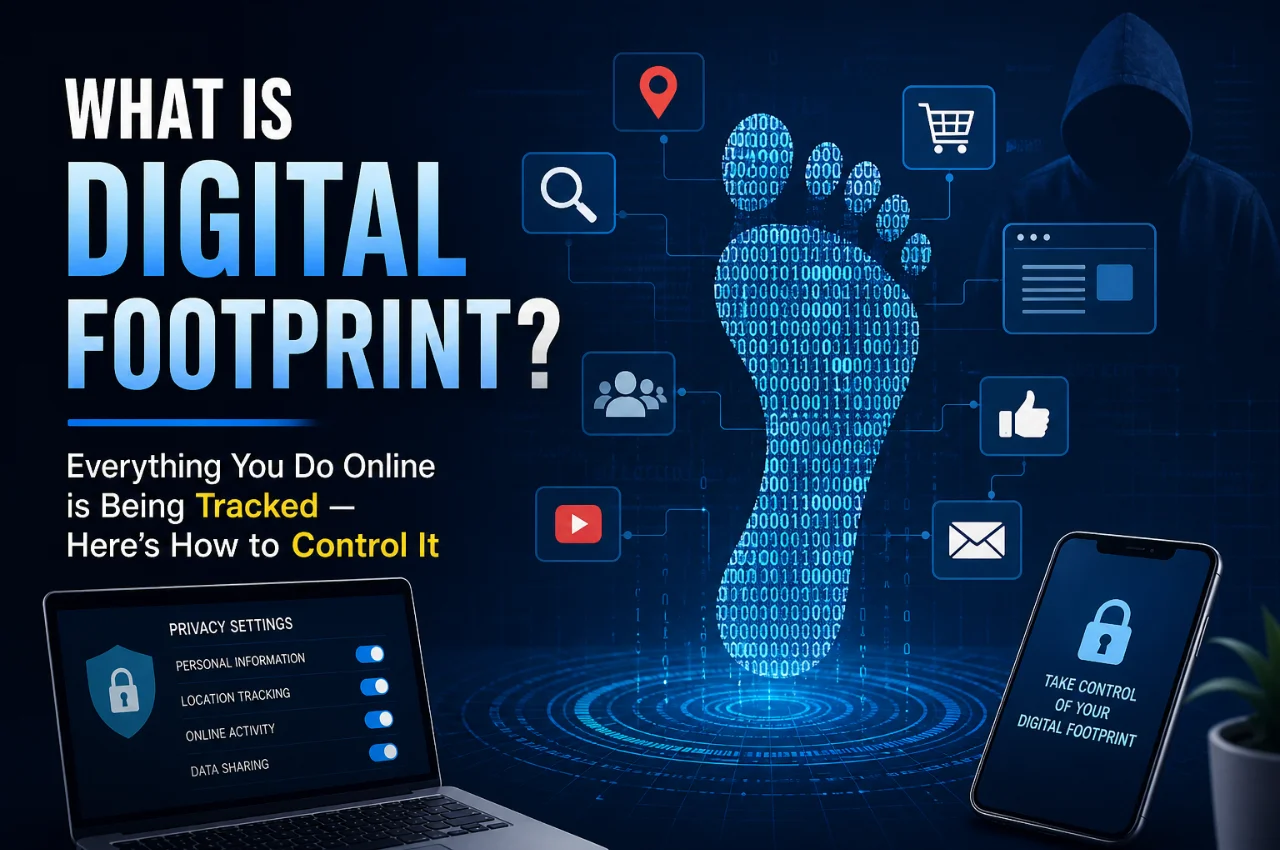
Have you ever searched for a product on Google and then seen its ad everywhere — on Instagram, YouTube, and random websites? Or noticed that your phone seems to “know” what you were just talking about? That’s not a coincidence. That’s your digital footprint at work.
Every single thing you do online — every search, every click, every app you open, every website you visit — leaves behind a trail of data. This trail is called your digital footprint, and it’s being collected, stored, and used by companies, advertisers, and sometimes even governments — often without you realizing it.
The good news? Once you understand how it works, you can take back control. This guide explains everything in simple language — no tech background needed.
What is a Digital Footprint?

A digital footprint is the collection of all the data and traces you leave behind whenever you use the internet or any digital device. Think of it like actual footprints in wet sand — every step you take leaves a mark, and those marks tell a story about where you’ve been and what you’ve been doing.
Your digital footprint includes everything from the websites you visit and the things you search on Google, to the photos you post on Instagram, the emails you send, the apps you use, the purchases you make online, and even the location data your phone silently sends in the background.
This data doesn’t disappear when you close a tab or turn off your screen. It gets stored on company servers, shared with third parties, and used to build a detailed profile of who you are — your habits, preferences, income level, health concerns, political views, and much more.
Two Types of Digital Footprints
Not all digital footprints are created the same way. There are two distinct types — active and passive — and understanding both is important.
Active Digital Footprint
An active digital footprint is data you knowingly and deliberately share online. You are fully aware that you’re putting this information out there. Examples include posting a photo on Instagram or Facebook, writing a comment on YouTube, filling out an online form with your name and email, creating an account on a shopping website, writing a product review, or sending an email or WhatsApp message.
With active footprints, you have more control — you choose what to share. But many people underestimate how much even this “deliberate” sharing reveals about them when combined together.
Passive Digital Footprint
A passive digital footprint is data collected about you without your direct knowledge or active input. This is where most people are completely unaware of what’s being tracked. Examples include websites recording your IP address when you visit them, apps tracking your location even when you’re not using them, your browser history being monitored and sold to advertisers, cookies following you across different websites, your phone’s sensors recording your movement and activity, and streaming platforms noting exactly which content you watched, paused, rewound, or skipped.
Passive footprints are far harder to control and are the primary source of the surveillance economy that most major tech companies operate on today.
Who is Actually Tracking You — and Why?
This is the part most people don’t fully realize. It’s not just hackers or shady websites doing the tracking. The biggest trackers are some of the most popular companies in the world.
Advertising Companies and Data Brokers
Google, Meta (Facebook and Instagram), and thousands of smaller advertising networks track your behavior across the internet to serve you targeted ads. They know your age, location, income range, interests, relationship status, health concerns, and purchasing habits. Data broker companies like Acxiom and Oracle Data Cloud collect this data and sell detailed profiles of individuals to anyone willing to pay — insurance companies, employers, lenders, political campaigns, and marketers.
Apps on Your Smartphone
Many free apps — games, weather apps, flashlight apps, and even some keyboard apps — collect far more data than they need. They access your location, contacts, microphone, camera, and browsing habits and sell this data to third parties. This is how free apps make money without charging you directly. Remember the old saying: if the product is free, you are the product.
Social Media Platforms
Every like, share, scroll, and pause on social media is being tracked. Facebook and Instagram know which posts you stopped scrolling on, even if you didn’t like or comment. TikTok tracks what you rewatch. Twitter and LinkedIn track which profiles you visit. All of this data is used to build a psychological profile that determines what content and ads to show you.
Search Engines
Every query you type into Google is saved and linked to your account or device. Google uses this to refine your ad profile. Your search history reveals deeply personal things — health worries, financial stress, relationship problems, political views, and religious beliefs — all of which can be used against your interests.
Internet Service Providers (ISPs)
Your internet service provider — the company that gives you your home Wi-Fi or mobile data — can see every website you visit. In many countries, ISPs are legally allowed to sell this browsing data to advertisers. In India, ISP data retention laws mean your browsing history can be stored and accessed by authorities.
Employers and Future Employers
This one surprises many people. A large number of companies now routinely search candidates’ names on Google before hiring them. Old social media posts, forum comments, photos, and other content can surface during these searches and affect your career — even if the content is years old.
What Information Does Your Digital Footprint Reveal?
You might think, “I have nothing to hide, so this doesn’t matter.” But your digital footprint reveals far more than just innocent browsing habits. When data points are combined, they can reveal your daily routine and physical location, your financial situation and spending habits, your health conditions and medical concerns (based on what you search), your political and religious beliefs, your relationships and social circles, your psychological vulnerabilities and emotional triggers, and your future plans like travel, marriage, or having children.
This combined profile is called a “data mosaic” — each individual piece seems harmless, but together they create an extraordinarily detailed picture of your life.
Real Ways Your Digital Footprint is Used Against You
Let’s be concrete about why this matters in everyday life.
Targeted Advertising That Feels Invasive
You mention back pain to a friend on WhatsApp and suddenly see pain relief ads everywhere. While WhatsApp officially doesn’t listen to your conversations, the reality is that location data, search history, and behavior patterns are so precise that advertisers can predict your needs before you even search for them.
Higher Prices Based on Your Profile
Many e-commerce platforms and travel booking sites show different prices to different users based on their browsing history, device type, and location. If you’re browsing from an iPhone in a wealthy area, you may be shown higher prices than someone browsing from an older Android phone. This is called dynamic pricing, and it’s entirely driven by your digital footprint.
Data Breaches and Identity Theft
The more data that exists about you online, the greater your risk if that data gets leaked. Major data breaches in recent years have exposed billions of records containing names, emails, passwords, phone numbers, and financial information. Once your data is in the wrong hands, it can be used for identity theft, fraud, and blackmail.
Insurance and Loan Discrimination
Insurance companies and lenders in some countries are beginning to use digital data — including social media activity and browsing behavior — to assess risk and determine premiums or loan eligibility. Your online behavior today could affect your financial options tomorrow.
Reputation Damage
Old social media posts, opinions you expressed years ago, photos from college, or an argument in a public forum can all come back to haunt you. Employers, schools, landlords, and potential partners may all judge you based on your historical digital footprint.
How to Check Your Own Digital Footprint
Before you can control it, you need to see what’s already out there. Here are some simple steps.
Search your own name on Google, Bing, and DuckDuckGo. Use quotation marks around your full name for more precise results. Look at what comes up in the first few pages — images, social media profiles, old accounts, news mentions, and anything else that appears publicly.
Check which apps have access to your location, microphone, camera, and contacts. On Android, go to Settings, then Privacy, then Permission Manager. On iPhone, go to Settings, then Privacy and Security. You may be shocked at how many apps have unnecessary access.
Visit Google’s My Activity page at myactivity.google.com to see an extremely detailed log of everything Google has tracked about you — every search, every YouTube video, every location, every app used on Android.
Check if your email or password has been part of a data breach by visiting haveibeenpwned.com. This free tool tells you which breaches your email address appears in.
How to Control and Reduce Your Digital Footprint
Now the most important part — what you can actually do about it. You don’t need to delete all your accounts and disappear from the internet. Small, consistent changes make a major difference.
Use a Privacy-Focused Browser
Switch from Google Chrome to Brave or Firefox. Both block third-party trackers and cookies by default, dramatically reducing how much advertising networks can follow you across the web. Brave also blocks ads automatically, making browsing faster.
Switch to a Private Search Engine
Replace Google Search with DuckDuckGo or Startpage. These search engines do not track your queries, don’t build a profile about you, and show the same results to everyone. You’ll still get useful search results without being tracked.
Review App Permissions Regularly
Go through every app on your phone and ask: does this app actually need access to my location, microphone, contacts, or camera? If not, revoke the permission immediately. A flashlight app has absolutely no reason to know your location. A food delivery app does not need access to your microphone.
Use a VPN
A VPN (Virtual Private Network) encrypts your internet connection and hides your browsing activity from your ISP and from websites that track IP addresses. It also prevents your internet provider from selling your browsing data. Choose a reputable paid VPN — free VPNs often collect and sell your data themselves, defeating the purpose entirely.
Regularly Clear Cookies and Browser History
Cookies are small files that websites place on your device to track you across sessions and across different sites. Clearing them regularly reduces cross-site tracking. You can also set your browser to automatically clear cookies when you close it.
Tighten Social Media Privacy Settings
Audit your privacy settings on every social media platform you use. Set your profiles to private where possible. Review which third-party apps have access to your social media accounts and remove any that you no longer use. Be selective about what personal information you make public — your birth date, phone number, and location are not necessary to display publicly.
Use Strong, Unique Passwords and Two-Factor Authentication
Reusing the same password across multiple sites means that one data breach can compromise all your accounts. Use a password manager like Bitwarden (free) or 1Password to generate and store unique passwords for every account. Enable two-factor authentication on all important accounts — email, banking, and social media.
Be Careful What You Share
Think before you post. Every photo you share can contain metadata including the exact location and time it was taken. Every opinion you express becomes a permanent part of your digital record. Once something is online, you can never be fully certain it’s gone — even if you delete it.
Delete Old Accounts You No Longer Use
Forgotten accounts on old shopping sites, forums, or apps still hold your data and are potential breach points. Visit JustDeleteMe at justdeleteme.xyz to find step-by-step instructions for deleting accounts on hundreds of services.
Opt Out of Data Brokers
Data brokers collect and sell your personal information without your consent. In India and many other countries, you can request data deletion from major brokers. Services like DeleteMe (paid) can automate this process across hundreds of data broker databases.
Should You Be Worried About Your Digital Footprint?
The honest answer is — yes, to a reasonable degree. You don’t need to live in paranoia, but you do need to be aware. The digital world was not designed with your privacy in mind. It was designed to collect as much data about you as possible because your data is extremely valuable to corporations.
However, awareness is power. Understanding how tracking works means you can make informed choices about what you share, with whom, and under what circumstances. You don’t need to go off the grid. You just need to be intentional.
Privacy in 2026 is not about hiding. It’s about choosing what you share, on your own terms.
Key Takeaway
Your digital footprint is built every single day — through searches, social media, apps, and even just having your phone in your pocket. The companies tracking you have built billion-dollar businesses on your data. But by taking small, consistent steps — using private browsers, reviewing app permissions, enabling a VPN, and being mindful of what you share — you can significantly reduce your digital footprint and take back control of your online identity.
Frequently Asked Questions
Can I completely erase my digital footprint?
Complete erasure is practically impossible — too much data is already distributed across too many servers, backups, and third parties. However, you can significantly reduce your footprint and prevent new data from being collected going forward. Deleting old accounts, opting out of data brokers, and using privacy tools all make a meaningful difference.
Does using Incognito mode protect my privacy?
Incognito or private browsing mode only prevents your browser from saving your history locally on your device. It does not hide your activity from your ISP, from the websites you visit, or from Google if you’re using Chrome. It’s useful for keeping searches off your device but offers very limited privacy protection beyond that.
Is a VPN enough to stay private online?
A VPN is one important layer of protection, but it’s not a complete privacy solution on its own. It hides your activity from your ISP and masks your IP address, but it doesn’t prevent tracking by websites using cookies, or by apps that have direct access to your device data. Combine a VPN with a private browser, privacy-focused search engine, and good app permission hygiene for real protection.
Does deleting social media posts remove them from the internet?
Not necessarily. Deleted posts may still exist in platform backups, in screenshots taken by others, in Google’s cached pages, or in third-party apps that accessed your data through the platform’s API. Deletion reduces visibility but cannot guarantee complete removal.
Can my phone hear my conversations?
While there is no confirmed evidence that phones systematically record and analyze conversations for advertising, the precision of modern behavioral tracking — location data, search patterns, browsing habits, and contact analysis — is so advanced that it can appear as if your phone is listening. The reality is that data models are sophisticated enough to predict your needs without needing to listen.
Who can see my digital footprint?
Advertisers and data brokers, your internet service provider, the websites and apps you use, search engines, social media platforms, potential employers who search your name, and in some cases, government and law enforcement agencies — depending on the laws in your country.
Final Thoughts
Your digital life is valuable — and not just to you. Every piece of data you generate online has commercial value to someone. The companies that provide you with “free” services are not being charitable — they are collecting, analyzing, and monetizing your behavior at massive scale.
But knowledge is the first step toward control. Now that you understand what a digital footprint is, how it’s built, and what you can do about it — you’re already ahead of most internet users.
Start small. Audit your app permissions today. Switch your search engine this week. Enable two-factor authentication on your email right now. Each step adds a layer of protection that compounds over time.
Your data belongs to you. Act like it.