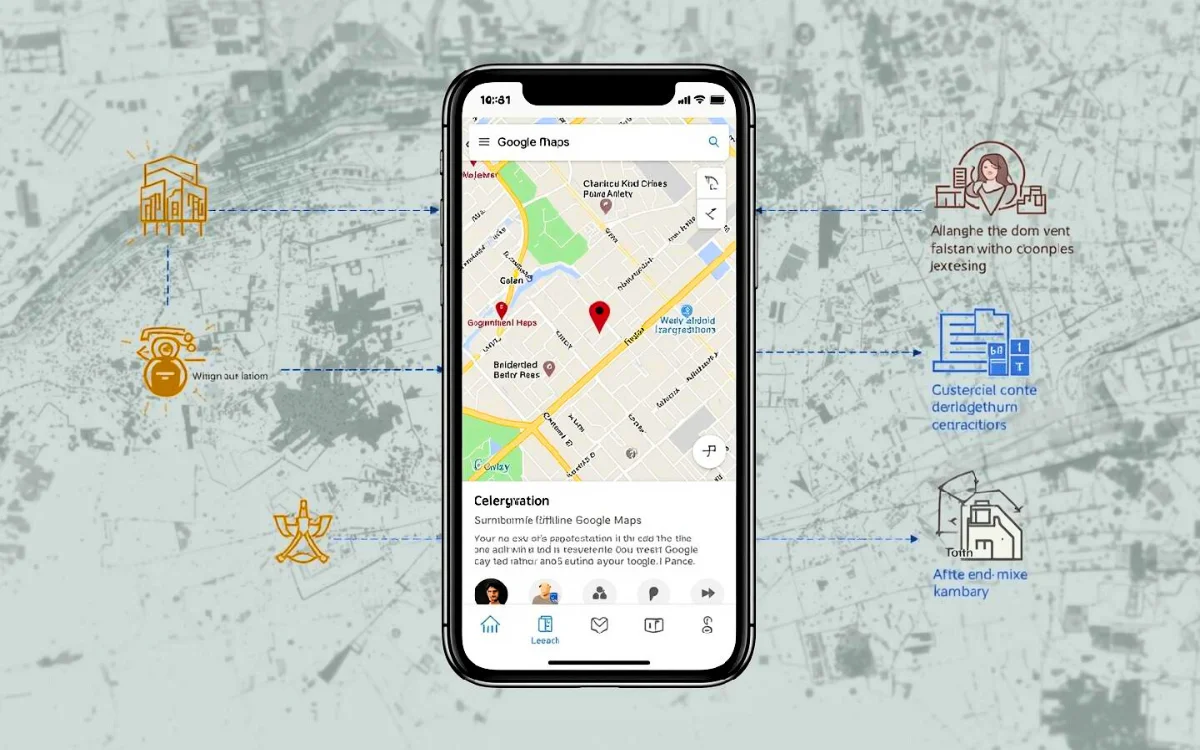
Google Maps Offline Navigation is a powerful feature that allows you to navigate even when you don’t have an internet connection. This is especially useful when traveling through remote areas, hilly regions, foreign countries, or places with poor network coverage.
Offline maps not only help you travel safely without internet, but also save mobile data during long journeys. The feature works smoothly on both Android and iOS devices and is easy to set up with a little planning.
In this guide, you’ll learn how to download, use, and manage Google Maps offline navigation, along with its limitations and best practices.
Key Takeaways
- Offline Google Maps work without mobile data or Wi-Fi
- Ideal for remote areas, road trips, and international travel
- Maps must be downloaded in advance
- Live traffic and route changes are not available offline
- Offline maps need regular updates for accuracy
How to Download Maps for Google Maps Offline Navigation
Google Maps provides a simple way to download maps before your trip.
Method 1: Download from Offline Maps Menu
Follow these steps:
- Open the Google Maps app
- Tap your profile picture in the top-right corner
- Select Offline maps from the menu
- Tap Select your own map
- Adjust the blue rectangle over your travel area
- Check the file size displayed
- Tap Download
Smaller areas take less storage, so select only what you need.
Method 2: Download Map Using City Search
This is a quicker method:
- Search for your city or destination in Google Maps
- Tap the three-dot menu in the location panel
- Select Download offline map
- Adjust the map frame if needed
- Tap Download
This method is ideal if you’re traveling to a specific city or region.
Important Things to Know Before Downloading Offline Maps
- Always download maps using strong Wi-Fi
- Offline map files can be large
- Google Maps saves complete area data, not just what you see on screen
- Streets, landmarks, parks, and major places are included
- You can enable Auto-update to refresh maps every 2 weeks
Auto-updating ensures roads and routes stay accurate.
Limitations of Google Maps Offline Navigation
Offline navigation is helpful, but it has some limitations:
❌ No real-time traffic updates
❌ No live route changes
❌ Estimated travel time may not be accurate
❌ New place searches are limited
When offline, Google Maps assumes clear roads, so delays due to traffic or accidents won’t appear. Planning ahead is important, especially in busy areas.
How to Use Google Maps Offline Navigation During Travel
Once your map is downloaded, using it offline is simple.
Steps to Navigate Offline
- Open Google Maps
- Make sure GPS/location is turned ON
- Search for your destination (must be within the downloaded map)
- Start navigation as usual
Even without internet:
- Roads load instantly
- Directions work using GPS
- Landmarks remain visible
Offline navigation works best for driving routes. Walking and cycling routes may be limited.
How to Access Saved Offline Maps
To view your downloaded maps:
- Open Google Maps
- Tap your profile picture
- Select Offline maps
- You’ll see a list of all saved maps
- Tap any map to use it offline
These maps act like a digital version of a paper map—fully visible but with limited features.
Managing Offline Maps (Update or Delete)
Offline maps are stored for up to one year.
To Update or Delete Maps
- Go to Offline maps
- Tap the three-dot menu next to a map
- Choose Update or Delete
Updating is recommended if:
- Your trip is weeks or months away
- Roads or routes may have changed
Deleting unused maps helps free up storage.
Best Tips for Using Google Maps Offline Navigation
✔ Download maps before leaving home
✔ Keep GPS enabled
✔ Enable auto-updates when possible
✔ Download slightly larger areas to avoid missing routes
✔ Update maps regularly for accuracy
These small steps ensure smooth navigation without surprises.
Final Note
Google Maps Offline Navigation is a reliable tool for travelers who want to explore without worrying about internet connectivity. It helps you stay on track in remote locations, reduces mobile data usage, and ensures safer journeys.
With proper planning and timely updates, offline maps can guide you confidently wherever you go. For frequent travelers, this feature is a must-use tool that makes navigation simple, smart, and stress-free.