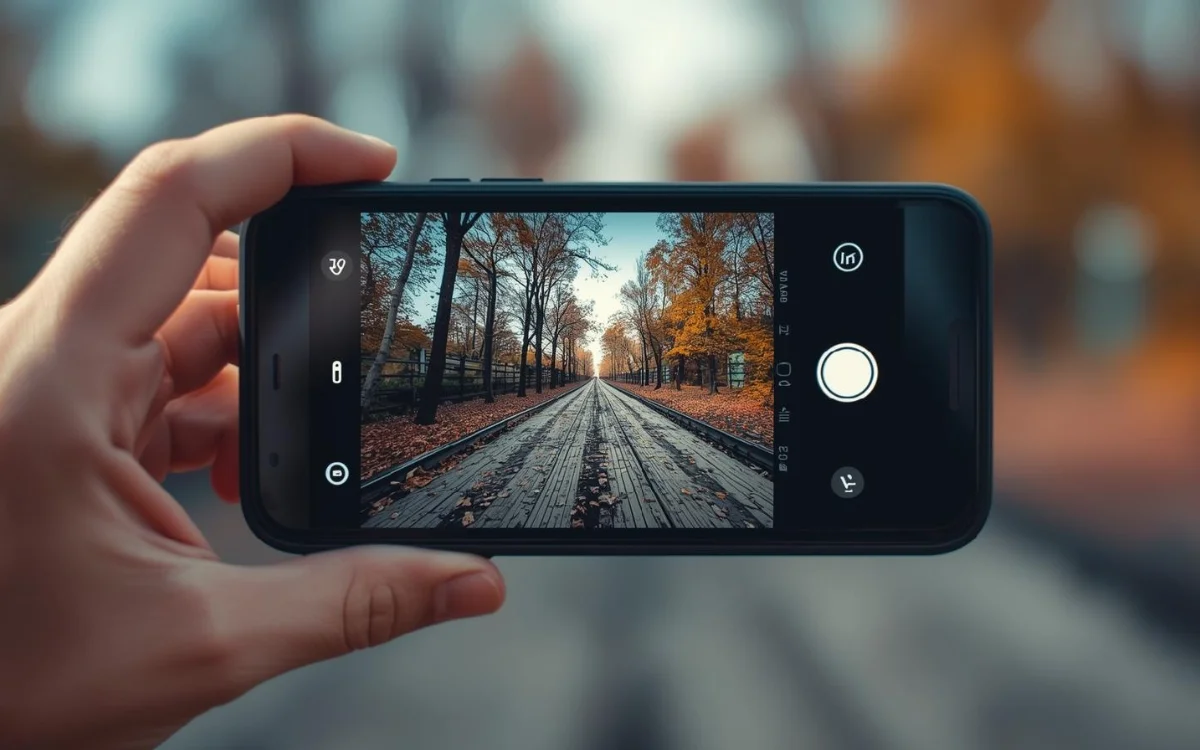
Not everyone owns a DSLR camera, but almost everyone wants DSLR-quality photos.
The good news is—you no longer need an expensive camera to achieve that professional look.
With the DSLR HD Camera app, you can click DSLR-like photos using any smartphone, even budget Android phones. This app brings advanced camera controls, depth effects, and manual settings that transform your regular phone camera into a powerful photography tool.
In this article, you’ll learn how the DSLR HD Camera app works, its features, how to use it, and whether it’s worth installing.
Why DSLR-Style Photography Matters Today
People now use smartphones for:
- Social media content
- Instagram reels & posts
- YouTube thumbnails
- Product photography
- Personal memories
DSLR photos stand out because of:
✔ Background blur (bokeh)
✔ Sharp subject focus
✔ Professional lighting balance
✔ Manual camera control
The DSLR HD Camera app tries to bring these features to your phone—without extra hardware.
What Is DSLR HD Camera App?
DSLR HD Camera is an Android photography app designed to simulate DSLR-like effects on mobile devices. It enhances image quality using software-based depth detection, manual camera controls, and advanced filters.
The app allows users to control camera settings similar to a real DSLR, making photos look more cinematic and professional.
Key Features of DSLR HD Camera App
✔ DSLR-Style Blur (Bokeh Effect)
The app creates a soft background blur that highlights your subject—perfect for portraits, objects, and close-up shots.
✔ Manual Camera Controls
You can manually adjust:
- ISO
- Focus
- White balance
- Exposure
- Scene modes
This gives you creative control just like a DSLR.
✔ HD Image Output
Photos are captured in high resolution with improved sharpness and color accuracy.
✔ Live Filters & Effects
Apply real-time effects before clicking the photo, so you see exactly how the final image will look.
✔ Touch Focus & Auto Blur
Tap on the subject to focus, and the app automatically blurs the background.
✔ Low-Light Photography Support
Optimized settings help improve photos taken at night or in indoor lighting.
✔ Lightweight & Easy to Use
The app is simple, beginner-friendly, and doesn’t require advanced photography knowledge.
How to Click DSLR-Like Photos Using DSLR HD Camera App
Follow these simple steps:
Step 1: Install the App
Download DSLR HD Camera from the Google Play Store.
Step 2: Open the App & Grant Permissions
Allow camera, storage, and required permissions.
Step 3: Choose Shooting Mode
Select portrait, blur, or manual mode depending on your photo type.
Step 4: Adjust Settings (Optional)
Manually set focus, exposure, or ISO for better results.
Step 5: Tap to Focus
Tap on your subject—background blur will activate automatically.
Step 6: Click & Save
Capture the photo and save it in HD quality.
For best results, use good lighting and keep the subject slightly away from the background.
Tips to Get Better DSLR-Like Photos on Phone
✔ Shoot in natural daylight whenever possible
✔ Keep background simple for stronger blur
✔ Avoid digital zoom—move closer instead
✔ Clean your camera lens before shooting
✔ Use manual focus for close-up shots
These small tricks can significantly improve photo quality.
Pros & Cons of DSLR HD Camera App
Pros
- DSLR-style background blur
- Manual camera control
- High-quality photo output
- Easy to use for beginners
- Works on most Android phones
Cons
- Real DSLR quality still depends on phone camera hardware
- Some features may require in-app purchases
- Extreme blur may look artificial on low-end devices
Who Should Use This App?
This app is ideal for:
✔ Social media creators
✔ Instagram users
✔ Bloggers & influencers
✔ Online sellers (product photos)
✔ Anyone who loves photography
If you want professional-looking photos without buying a DSLR, this app is worth trying.
Conclusion
The DSLR HD Camera app proves that you don’t need an expensive camera to take beautiful, professional-looking photos. With its DSLR-style blur, manual controls, and HD output, it turns your smartphone into a powerful photography tool.
While it can’t completely replace a real DSLR, it’s one of the best options for clicking DSLR-like photos with any phone.
If you enjoy photography or want better photos for social media, this app is a smart and simple solution.