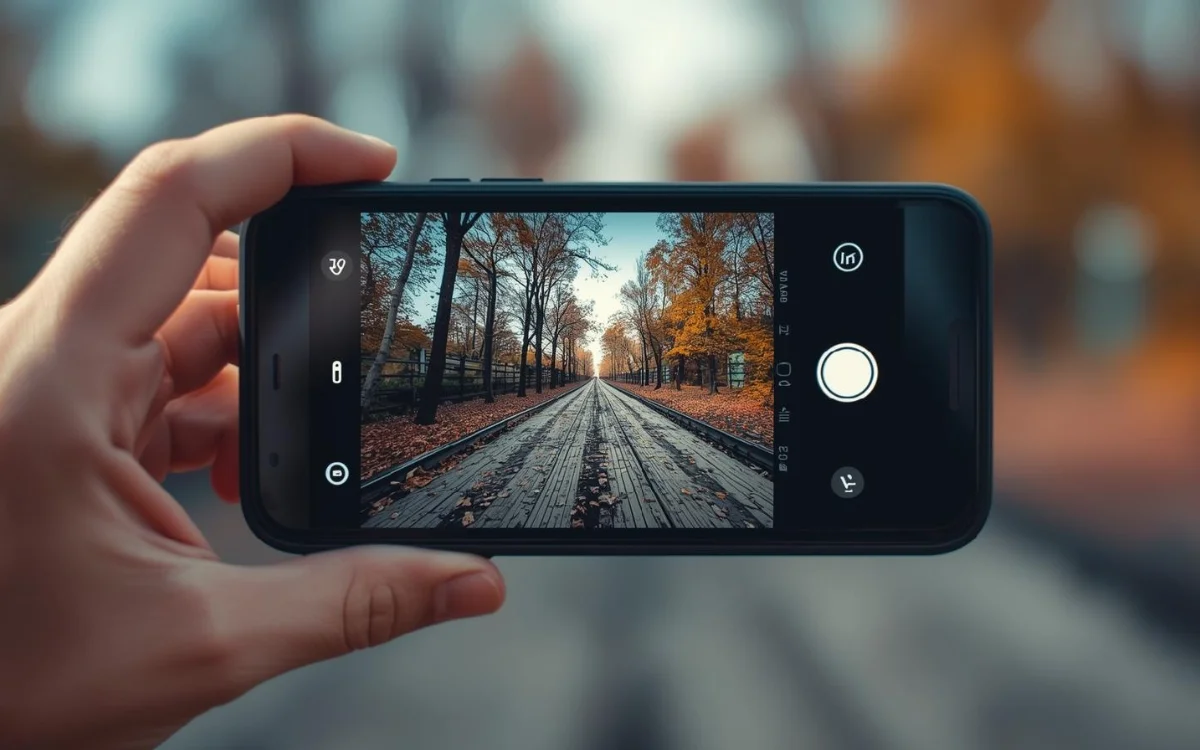
You might think that the moment you click the shutter button, the photo is instantly captured—and that’s it!
But—in reality, that is not the case. In the split second between your click and that brief animation, your phone is actually running an entire post-production studio. Sensors are hard at work. Chips are running at full throttle. Algorithms are debating amongst themselves whether your face appears too shadowed or if the sky has become completely washed out. All of this happens before your finger even lifts off the screen.
Here is exactly what is taking place.
Step 1: Light Hits the Sensor
It all starts with light. The lens focuses it onto a tiny sensor — a chip covered in millions of microscopic light-catching buckets. Each bucket measures how much light it got and converts that into a number.
But sensors are colorblind. No joke — they literally can’t tell red from green. So every bucket gets a tiny colored filter stuck on top (a Bayer filter). Some red, some blue, lots of green — because your eyes are weirdly obsessed with green and camera makers know it.
The raw output? Looks nothing like a photo. Just a giant grid of numbers. Completely unreadable.
Step 2: The ISP Does the Heavy Lifting
Enter the Image Signal Processor — a dedicated chip inside your phone’s main processor. This thing grabs that raw grid of numbers and starts making sense of it.
First, it fills in the missing colors pixel by pixel. If a bucket only caught red light, the ISP guesses the green and blue values by peeking at the neighbors. It does this across millions of pixels. In microseconds. It’s basically doing millions of educated guesses really, really fast.
Then it handles the rest — smoothing out the random grain your sensor adds in low light, sharpening edges so things don’t look soft, fixing the color temperature (is this tungsten light or sunlight?), and recovering details where things got too bright or too dark.
This is honestly where most of the “camera quality” gap between phones comes from. Same physics, totally different ISP.
Step 3: AI Shows Up Uninvited (And Helps)
Modern phones don’t stop at the ISP. They throw AI at the photo too.
Your phone’s neural chip — yes, there’s literally a chip just for AI math — scans the scene and starts asking questions. Is there a face? Fix the skin tone. Is this food? Crank the saturation. Night mode situation? Stack some frames. Does that hair need preserving? Don’t blur it.
Google’s Pixels are legendary for this stuff. Apple calls their version the Photonic Engine. Samsung has their own thing. They’re all doing AI-based reconstruction — and some of them are straight-up inventing pixels that the sensor never actually captured. Your phone is filling in details that weren’t there. Wild.
Step 4: You Didn’t Take One Photo. You Took Like 15.
Here’s the part that breaks people’s brains a little.
When you tapped that shutter button, your phone shot somewhere between 10 and 15 frames in a fraction of a second. Then it picked the best bits from each one and stitched them together. You got one image. But behind the scenes, it was basically a highlights reel.
HDR works like this — one frame for the shadows, one for the highlights, merged together so nothing’s washed out or pitch black. Night mode takes 5–10 dark frames, lines them up, cancels out the blur between them, and produces something that looks like you had a professional light setup. Portrait mode estimates depth using dual cameras or just AI guesswork — that blurry background isn’t real optical bokeh, it’s your phone deciding which pixels are “far away” and softening them.
Camera specs on a spec sheet? Almost meaningless now. It’s all in the software.
Step 5: Compression, Then Storage
After all that, the raw file is massive — sometimes 40–50MB. Nobody wants that sitting on their phone.
So it gets compressed. JPEG throws away the data your eyes won’t notice anyway. HEIF (what iPhones use) does it smarter — smaller file, better quality. If you shoot RAW, you skip compression entirely and keep all the uncooked data — but then you’re doing the editing yourself in Lightroom or something. Your choice.
GPS, timestamp, camera settings — all get attached as metadata. File saved. Done.
How Long Does All This Take?
All five steps. Roughly 50 to 200 milliseconds.
Less than a blink. And on flagship phones, some of it starts before you tap — the phone’s been quietly processing the last few frames in a live buffer just in case your timing was slightly off. Google literally calls this Top Shot. Your phone is basically a mind reader at this point.
The Real Takeaway
A smartphone photo isn’t really a photo the way a film camera took a photo. It’s a computational best guess at what the scene looked like — stitched together from multiple frames, corrected by AI, sharpened by algorithms, and compressed for your camera roll.
It’s less photography, more image engineering.
Next time someone says “I just use my phone” — yeah. They’re using some of the most advanced real-time image processing ever packed into a consumer device.
Small thing. Big deal.